Common Engraving Design Mistakes (and How to Avoid Them)
Most design problems show up after the engraving is already done. Here's how to catch them before that happens.
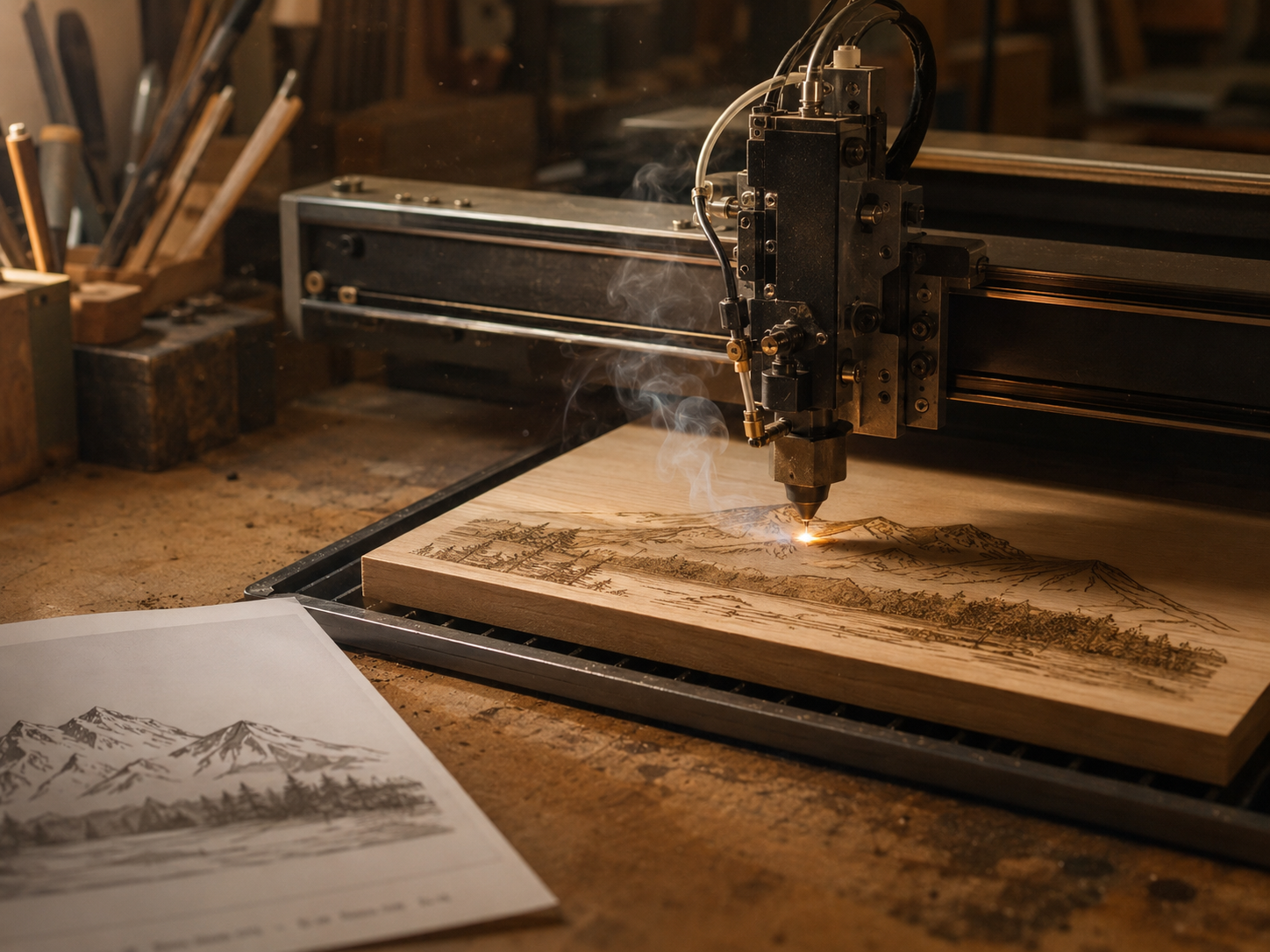
We catch most of these before they become a finished product, but they slow the process down and sometimes mean starting over. Here's what to watch for before you submit your design.
Text that's too small for the material
Fine detail that looks perfect on a screen doesn't always survive being burned into wood, leather, or metal. Small serif fonts and thin script can blur together once the laser hits the material, especially on textured surfaces like wood grain. If a font looks delicate on your monitor, it's probably too delicate for a 2-inch coaster.
Not accounting for the natural material
Wood grain, leather texture, and even the reflective quality of metal all interact with the design differently than a flat white background does. A photo that looks high-contrast on your phone might lose most of its detail on dark walnut. This is one of the biggest reasons we ask for the original file instead of a screenshot.
Why does spacing matter so much in engraving?
Letters and design elements that are too close together can merge into a smudge once they're burned into the material, especially at small sizes. Good spacing gives each letter room to stay legible even after the edges soften slightly during engraving.
Centering everything
It feels safe to center every element, but it often makes a design look stiff instead of intentional. Off-center layouts with a clear focal point, like a name in the corner instead of dead center, usually read as more custom and less like a template.
What's the easiest mistake to avoid?
Sending low-resolution images. A photo pulled from a text message or a social media post has already been compressed once or twice, and by the time it gets to us, there isn't much detail left to work with. Send the original file whenever you have access to it.
Ignoring the finished size
A design that looks balanced at 12 inches can look cramped or empty at 4 inches. Always think about the actual size the piece will be, not the size it appears on your screen while you're designing it.
If you're not sure whether your design will translate well, send it over before you finalize anything. We'd rather catch a problem in the proof stage than after the material's already been cut.