How to Design Your Custom Engraving: Artwork, Fonts, and Layout Tips
A practical guide to preparing artwork and text for laser engraving — what file types work best, what to avoid, and how to get a clean result every time.

What to Send Us for the Best Results
The most common question we get after "can you engrave this?" is "what should I send you?" Here's a straightforward guide to preparing artwork and text that will engrave cleanly and look good.
Text: Keep It Simple
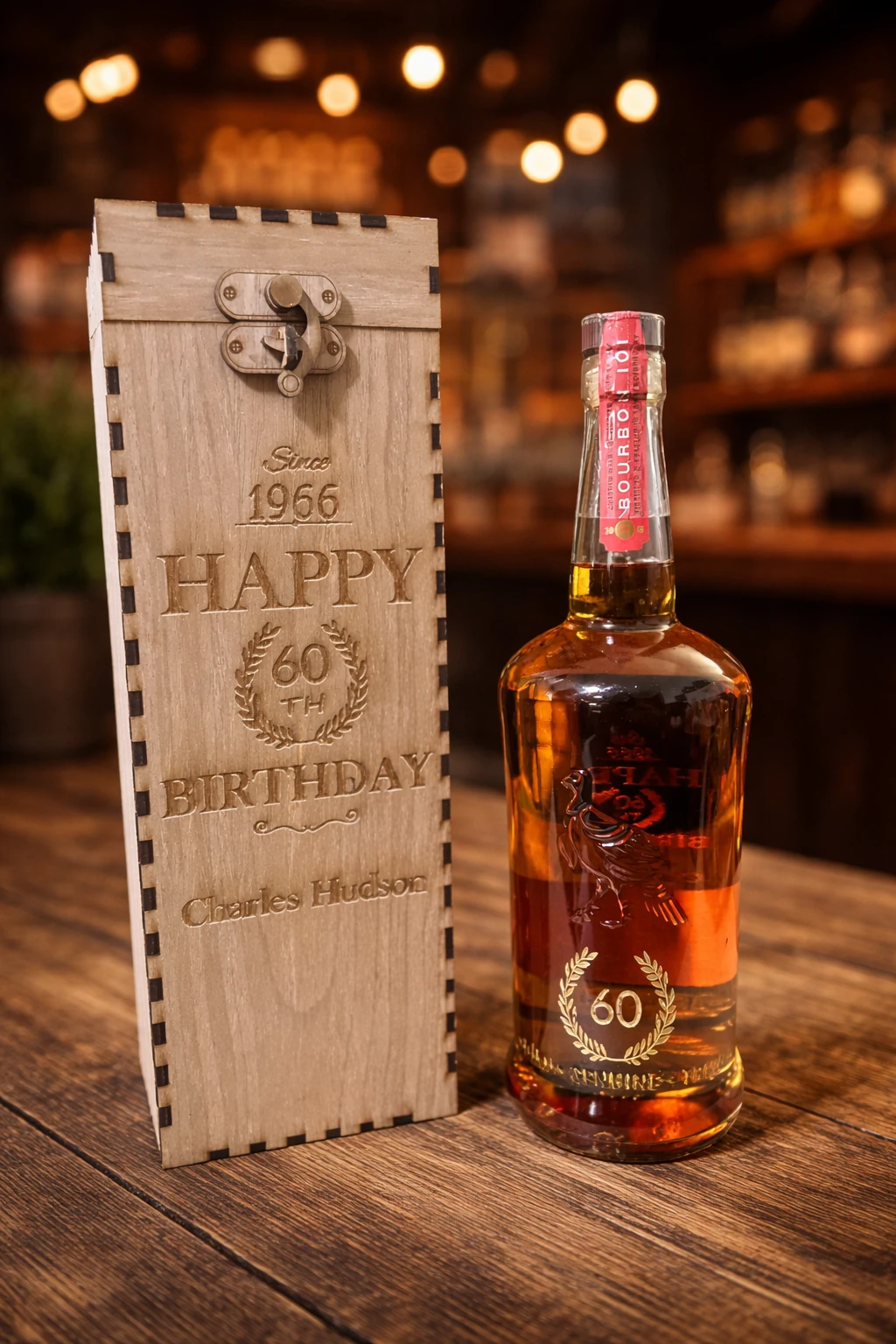
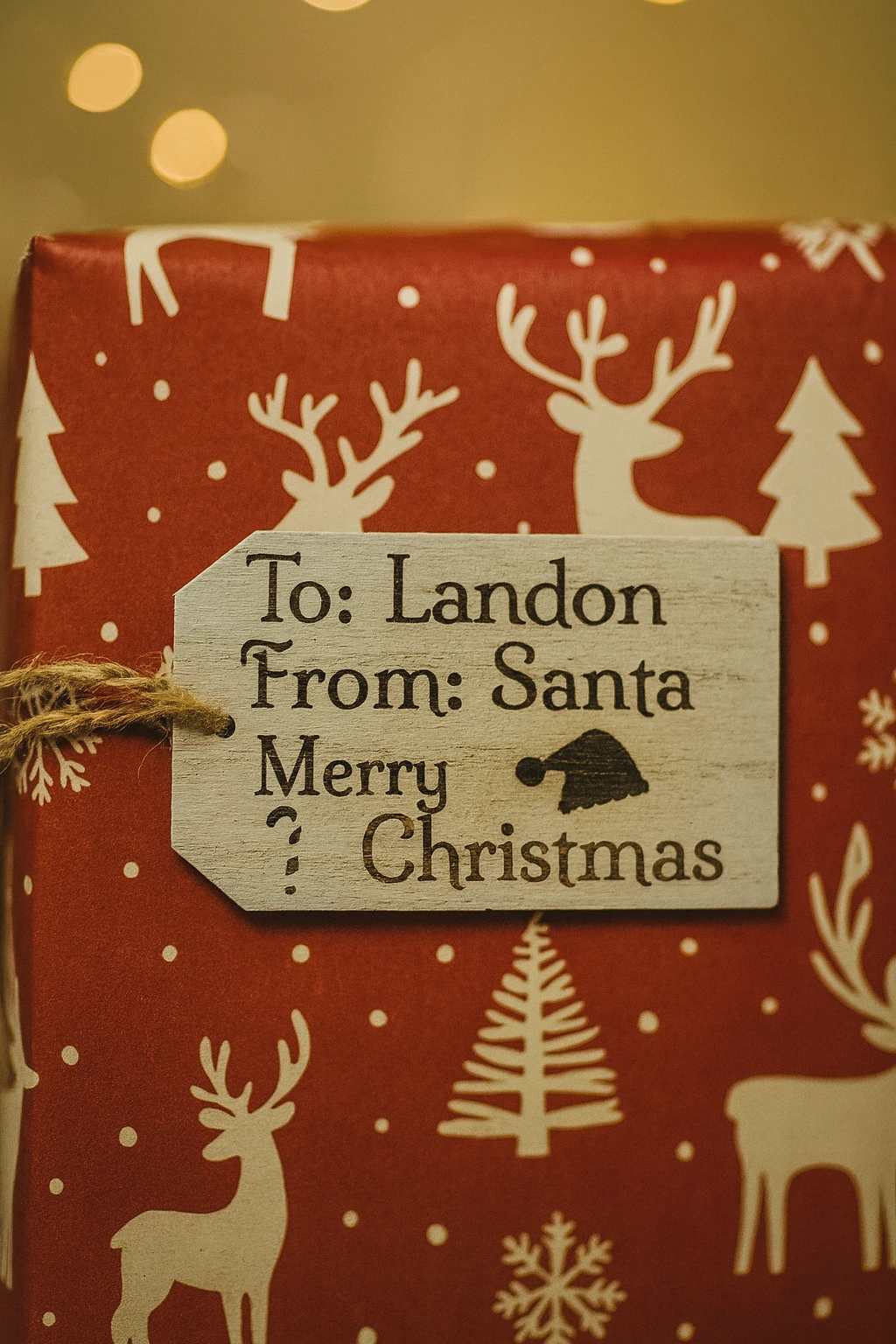
Short text engraves best. Names, dates, short phrases, and monograms are ideal. Script fonts look great on wood and leather. Sans-serif fonts work better on metal. We can recommend a font style based on the material and the item size.
Artwork: Vector Is Best
SVG, AI, or EPS files are ideal. They scale cleanly and produce the sharpest engraving. If you don't have vector art, a high-resolution PNG or JPG (300 DPI or higher) works. Avoid images pulled from web pages — they're usually too low resolution and will look blurry when engraved.
What Doesn't Work
- Tiny text under 1/4 inch tall — it blurs on wood grain
- Photos with busy backgrounds
- Gradients and shading — engraving is solid black or bare material
- Clip art with fine internal lines
- Hand-drawn sketches scanned at low resolution
Layout Tips
Center the main element. Leave at least 1/4 inch margin from the edge of the item. If you're doing text and an image, put the image above the text. Symmetrical layouts look best on most items.
What We Do on Our End
If your artwork isn't perfect, we clean it up. We adjust contrast, resize, and position the design for the best result. We don't charge for basic file prep. If the design needs significant redrawing, we'll let you know before we start.
How to Send It
Use the quote form on our site or email us directly. Tell us what item you're engraving on, what text you want, and attach your artwork. We'll reply with a proof before we engrave.