What Files We Can Actually Work With (And What to Do If Yours Isn't One)
A quick reference for what file types work best for custom engraving orders, plus what to do if all you have is a screenshot or a low-quality photo.
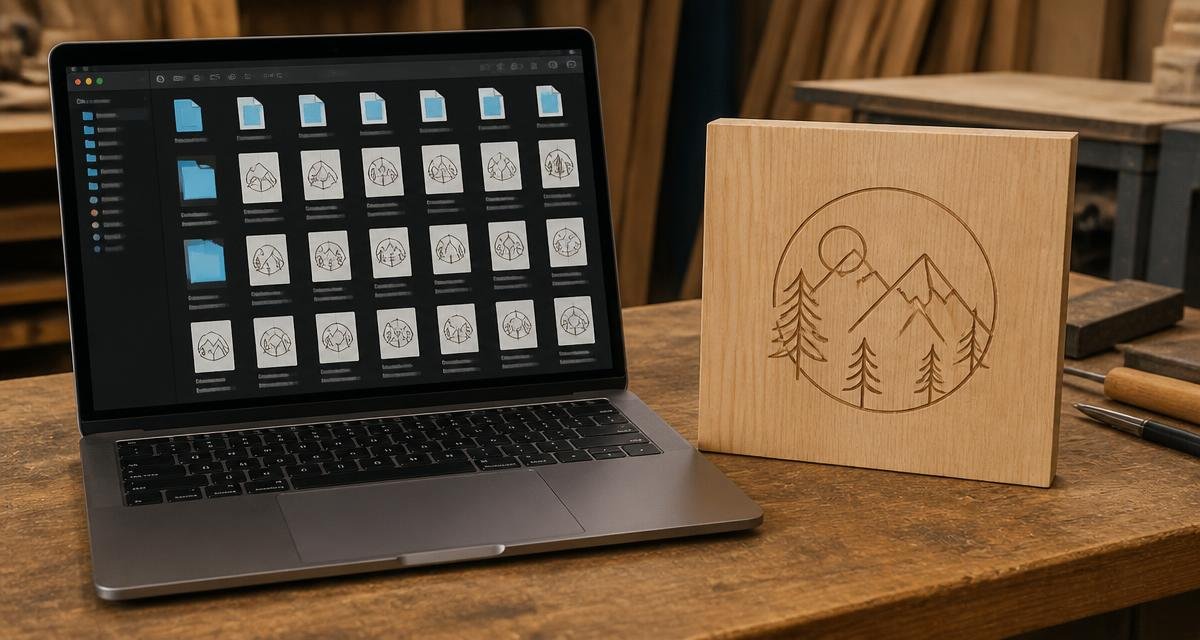
One of the first things people ask after "can you engrave this" is "what do you need me to send." Here's the short answer, without the technical rabbit hole.
What Works Best
- AI, EPS, SVG, or PDF files for logos, monograms, and line art
- Original photo files straight from your phone or camera, not a screenshot of one
- Word documents or plain text for names, dates, and short messages
- PNG files with a transparent background for simple graphics
If you have one of these, you're in great shape. Send it over and we'll take it from there.
What Usually Needs Extra Work
Screenshots, images pulled from social media, and low-resolution logos saved off a website can all still be used, but they usually need to be cleaned up or recreated before they'll engrave clearly. That's not a problem on our end, it just may add a step or two to the process.
If a file looks blurry or pixelated on your own screen at normal size, it's going to look worse once it's enlarged for engraving.
What If You Don't Have a File at All?
Plenty of orders start with nothing but an idea. A phrase you want engraved, a name and a date, a description of a logo you remember but can't find the file for. That's completely normal, and it's exactly what the quote process is for.
Tell us what you're picturing, in your own words. We'll ask the right follow-up questions and put together something for you to look at before anything gets made.
A Few Things That Save Time
- Send the original file, not a copy of a copy
- If it's a photo, send it exactly as it came off the camera, unedited
- If you're not sure which file to send, send everything you have and let us sort it out
- Mention where the piece is going, since that can affect size and layout